Shop on Safari. Get coupons automatically.
ForeverShoppers Coupons helps shoppers find available promo codes while browsing mobile stores in Safari — so saving money feels simple, fast, and natural.
Couponing made for your phone
No more opening extra tabs, searching Google, or testing random codes manually.
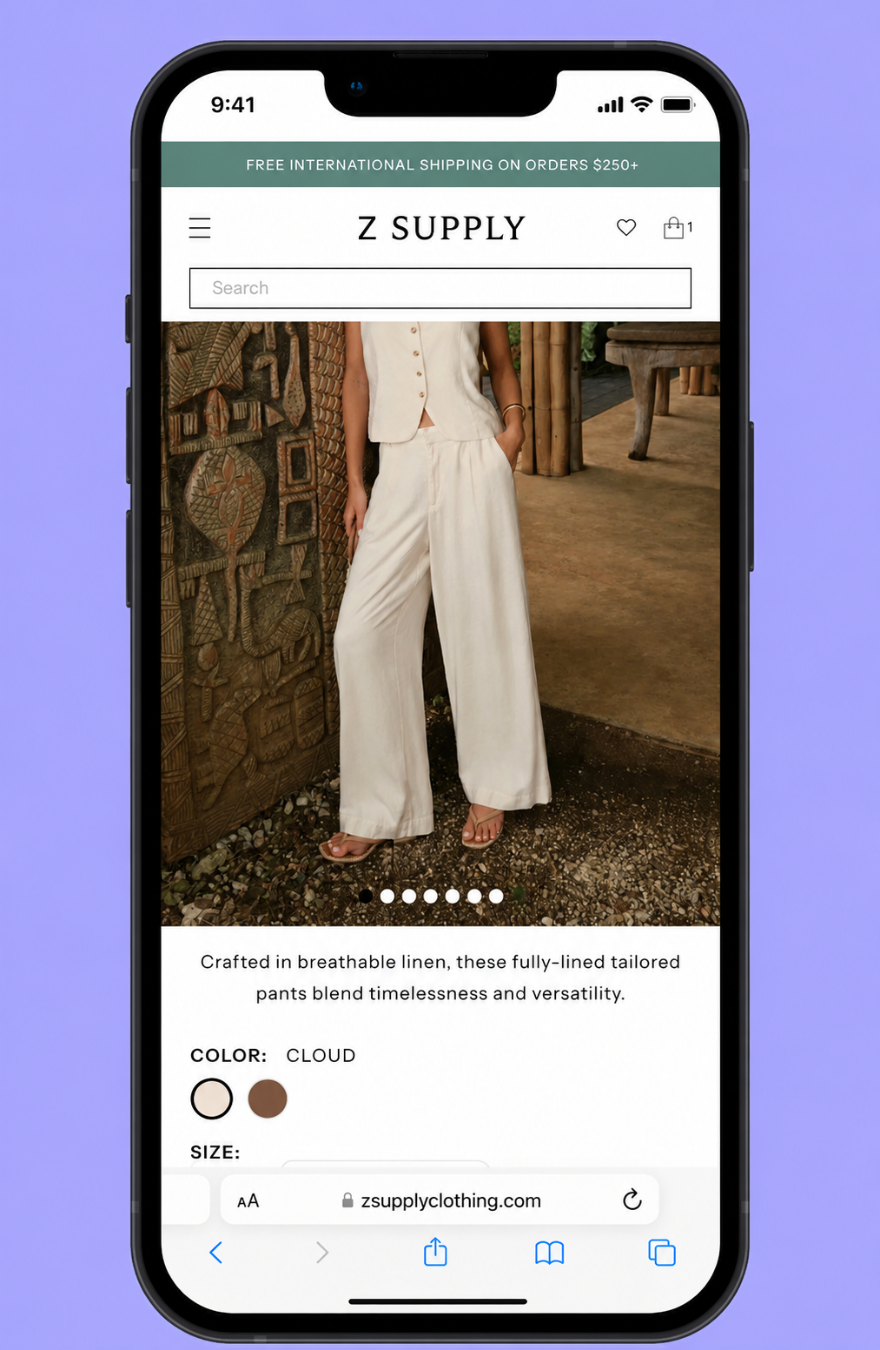
Shop normally
Browse your favorite stores in Safari like you already do.
See available codes
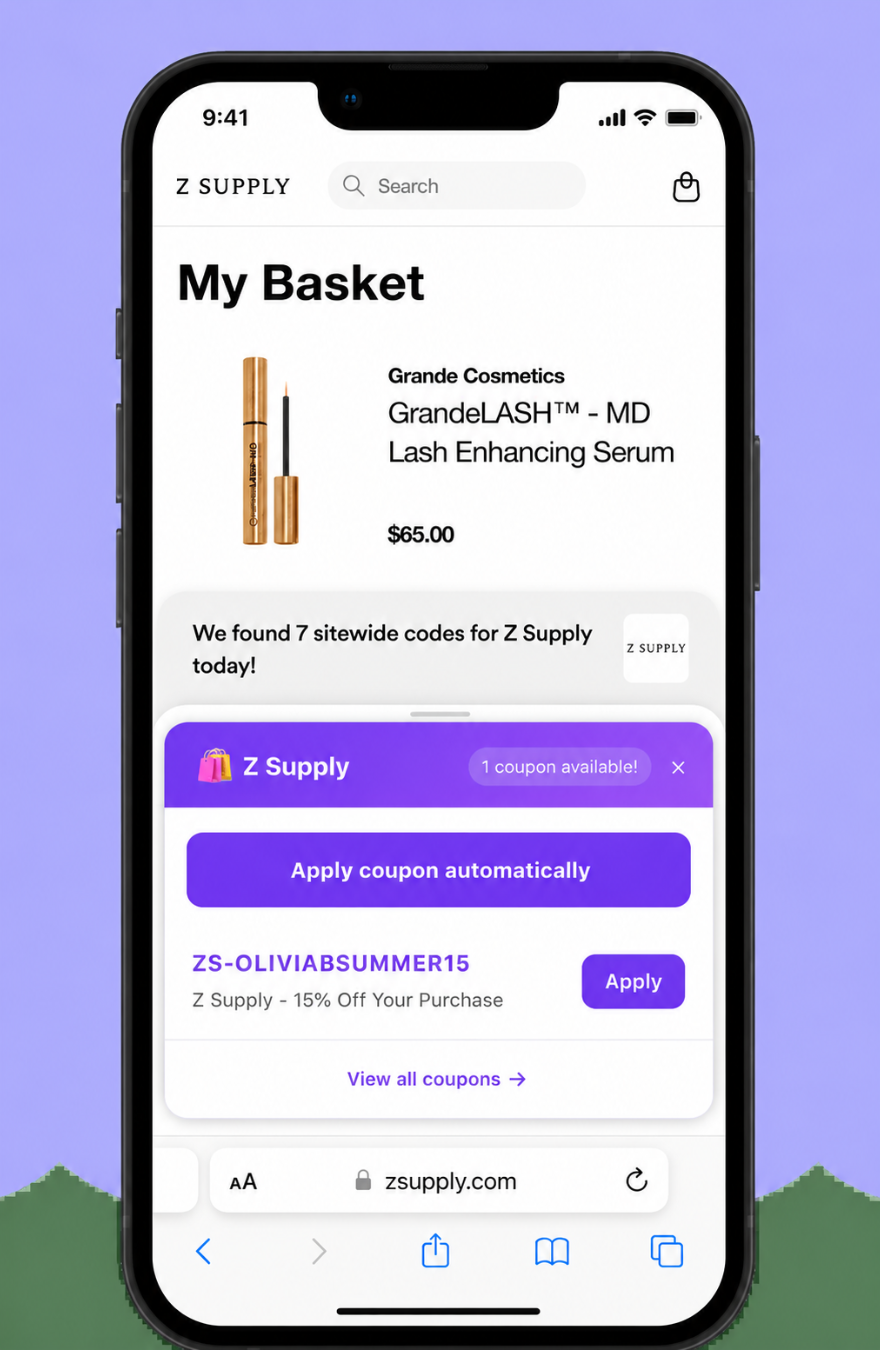
ForeverShoppers appears when coupon codes are found for the store.
Apply faster
Use the extension panel to apply or view coupons with fewer steps.
How the Safari extension works
Designed like a clean mobile onboarding page: install, enable, shop, save.
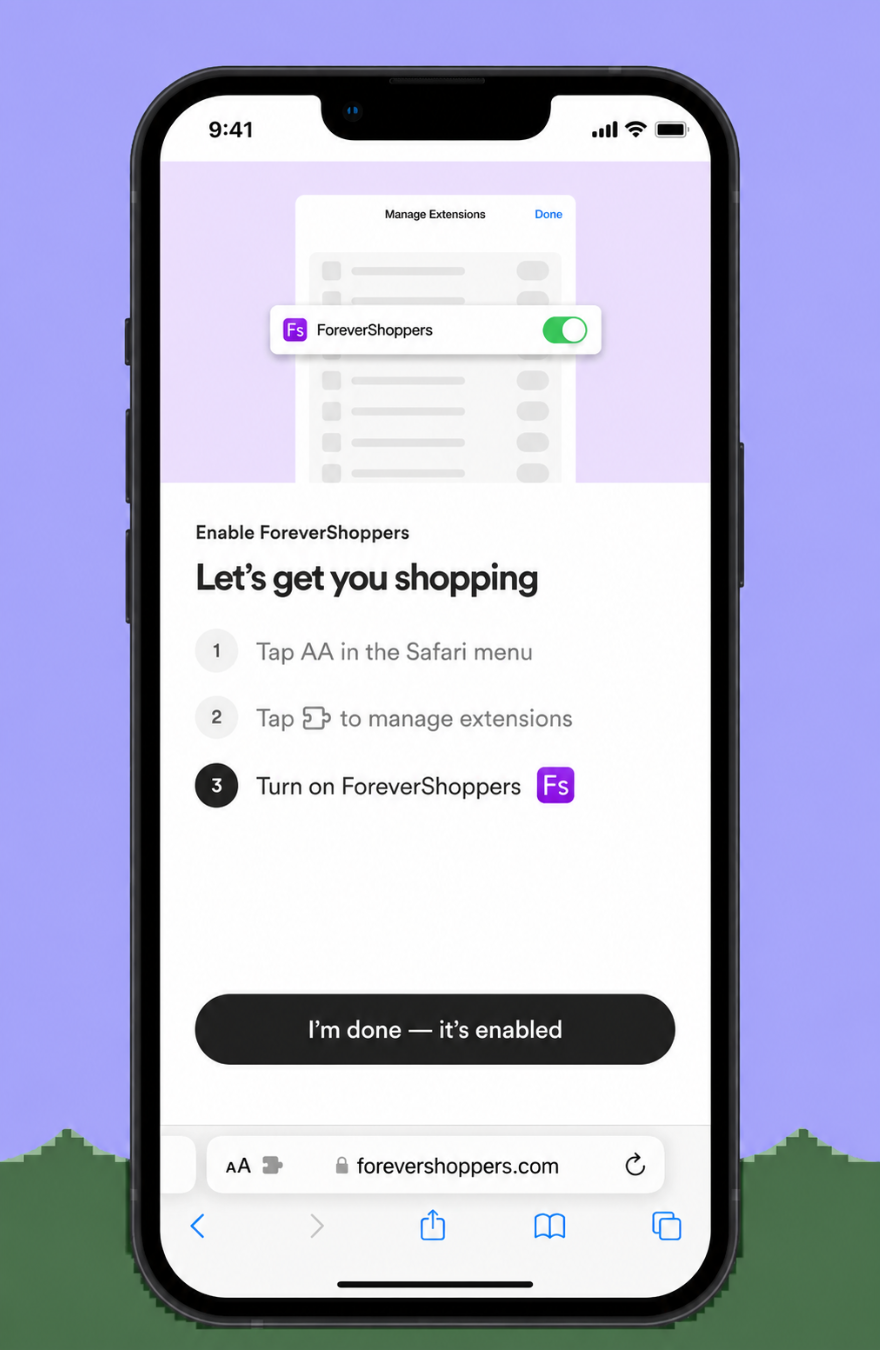
Enable in Safari
Tap AA, manage extensions, then turn on ForeverShoppers.
Start shopping
Add products to your cart on mobile Safari checkout pages.
Get coupons
When codes are available, ForeverShoppers shows them in a simple panel.
Designed to stay out of the way
ForeverShoppers is built to appear when it can help you save, not interrupt every page you visit.
- No annoying constant popups
- Works inside Safari
- Simple mobile-first experience
- Made for checkout savings
Experience a better way to coupon
Turn on ForeverShoppers Coupons in Safari and let your phone help you find promo codes while you shop.
Download on the App Store